Running server cards in a normal PC
Data center GPUs usually have no fans of their own, a different power connector and often no video output. With a bit of accessories they still run in a normal PC.
- Cooling
- mostly passive, needs airflow
- Power
- a different connector per card
- Video output
- often none
- Slot
- PCIe x16, usually 2 slots wide
What every server card needs
| Topic | Solution |
|---|---|
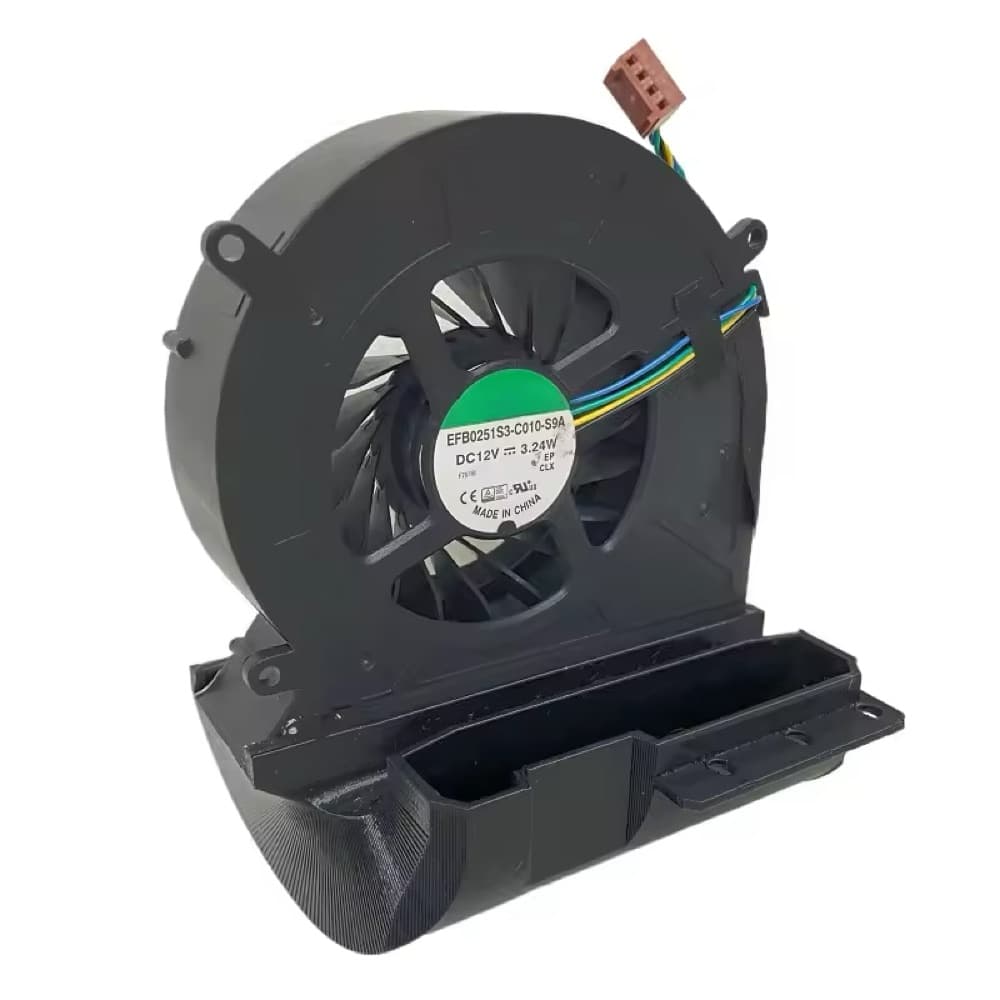
| Cooling | Fan shroud or case fan with direct airflow over the card. Without airflow the card overheats. |
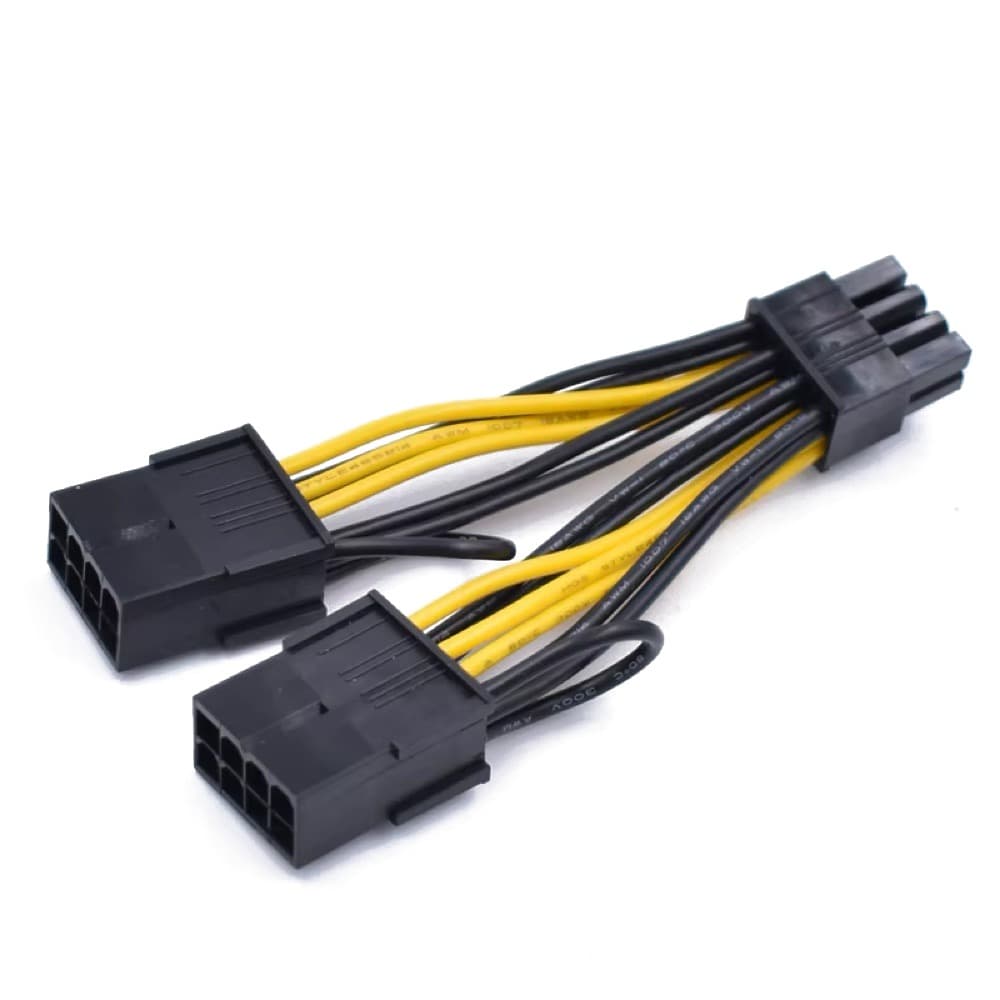
| Power | Power supply with matching connectors or an adapter cable. The connector differs per card (see table below). |
| Video output | None on many cards. The monitor then connects to a second graphics card or the CPU graphics. |
| Space | Usually two slots wide. Check the length per model (Tesla V100: 267 mm). |
| BIOS | For cards with a lot of memory, often enable “Above 4G Decoding”. |
Our cards at a glance
Tesla T4
- Cooling
- passive, airflow required
- Power
- via the slot, 70 W
- Video output
- keiner
Tesla V100
- Cooling
- passiv
- Power
- 8-pin EPS, 250 W
- Video output
- keiner
AMD MI50, MI60
- Cooling
- passiv
- Power
- 2× 8-pin, 300 W
- Video output
- 1× Mini DisplayPort
AMD MI100
- Cooling
- passiv
- Power
- 2× 8-pin, 300 W
- Video output
- keiner
NVIDIA A40
- Cooling
- passiv
- Power
- 8-pin EPS, 300 W
- Video output
- 3× DisplayPort, disabled at the factory
NVIDIA L40
- Cooling
- passiv
- Power
- 16-pin (12VHPWR), 300 W
- Video output
- 4× DisplayPort 1.4a
Careful with EPS
The 8-pin EPS connector (CPU power) looks similar to the PCIe 8-pin but does not fit. Do not mix them up.
Install in 4 steps
- 1Attach the fan to the card (rear or underside mounting, depending on the case).
- 2Insert the card into the PCIe x16 slot and screw it in.
- 3Connect power: check the connector according to the table, use an adapter cable if needed.
- 4Start the PC and install drivers. Use nvidia-smi (NVIDIA) or rocm-smi (AMD) to check that the card is detected.
Software
Which programs run on which card is explained in the guide Volta, CUDA and what still runs. Which card is enough for which model is shown by the guide Which card for which language model?.
Not sure whether your PC fits? We help with putting together a complete system.