Volta, CUDA and what still runs
Older data center cards such as the Tesla V100 (Volta) have a different architecture than new consumer cards. Here you can see which software runs and where there are limitations.
Our cards at a glance
The compute capability (CC) is the version number of the GPU architecture. It determines which CUDA features a card supports. Some software requires a minimum CC.
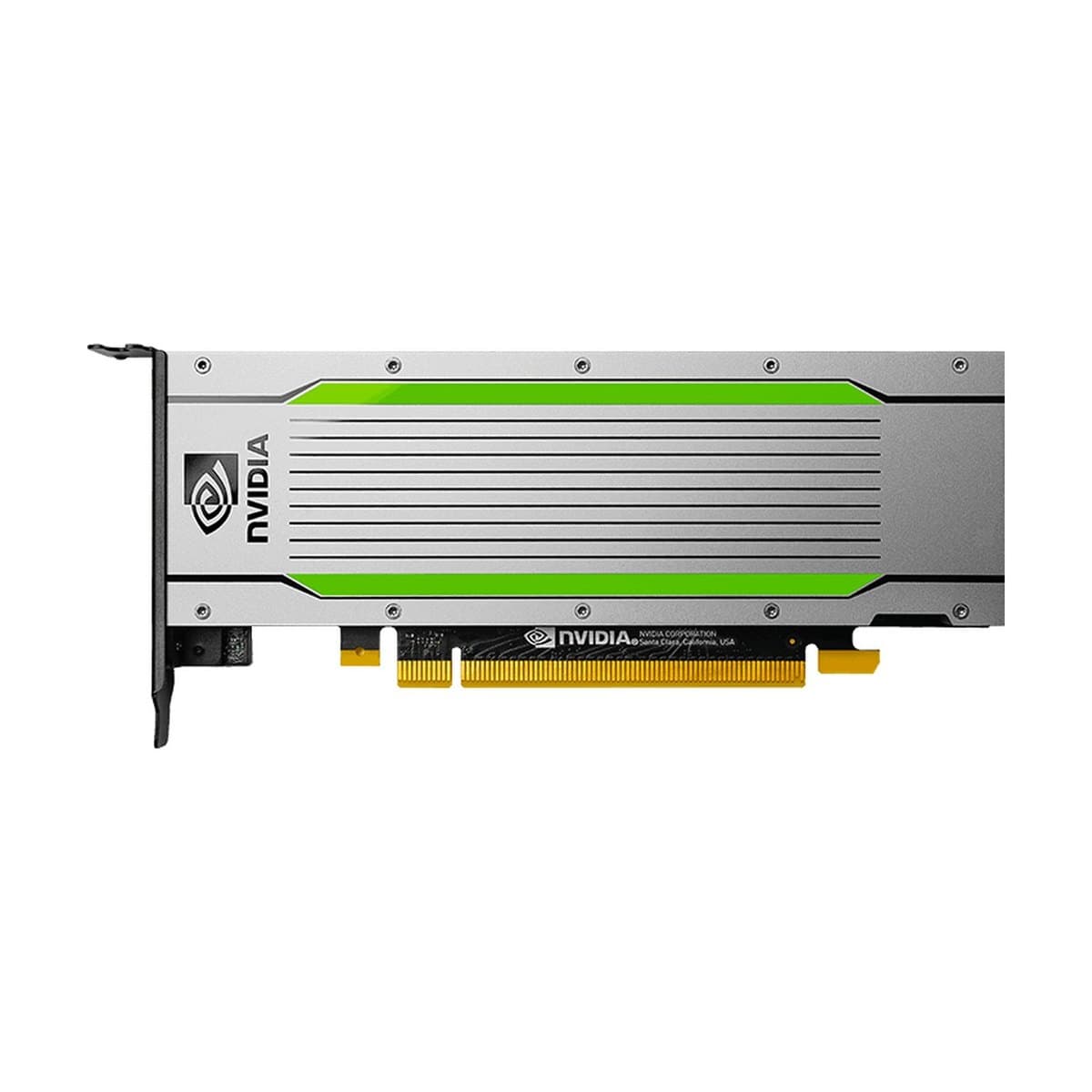
Tesla T4
- Architecture
- Turing
- Software stack
- CUDA
- CC / from
- 7.5 / CUDA 10.0
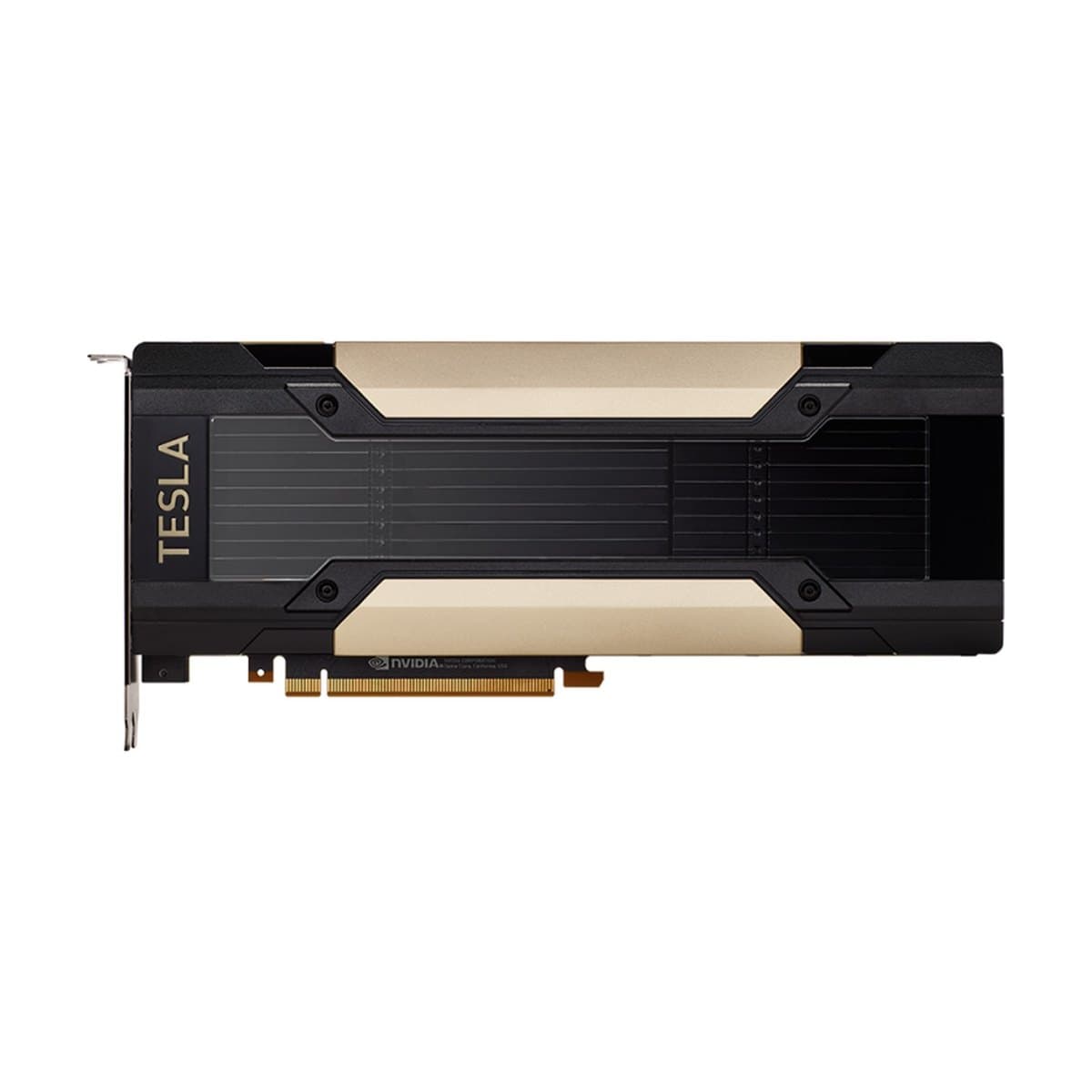
Tesla V100
- Architecture
- Volta
- Software stack
- CUDA
- CC / from
- 7.0 / CUDA 9.0
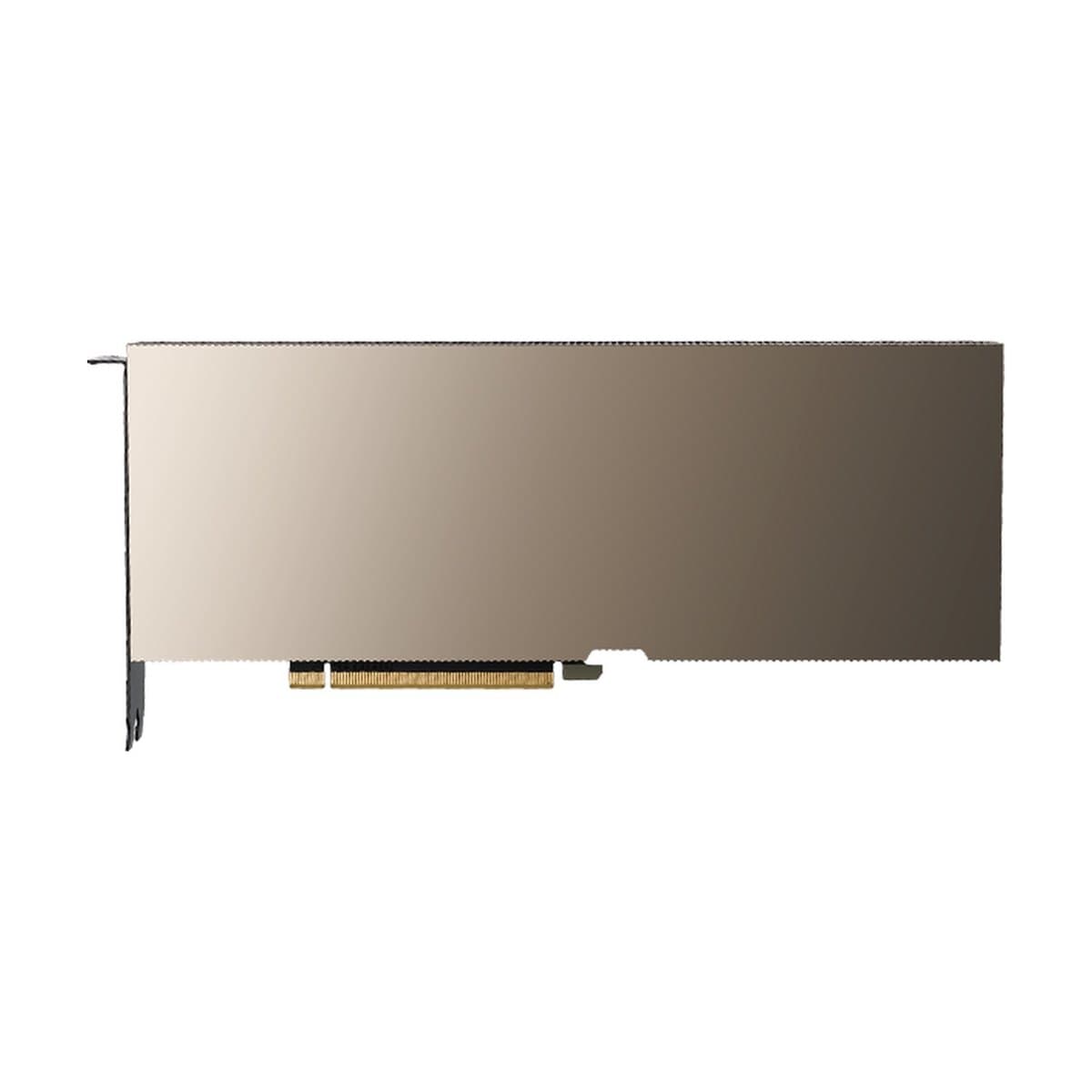
A100
- Architecture
- Ampere
- Software stack
- CUDA
- CC / from
- 8.0 / CUDA 11.0
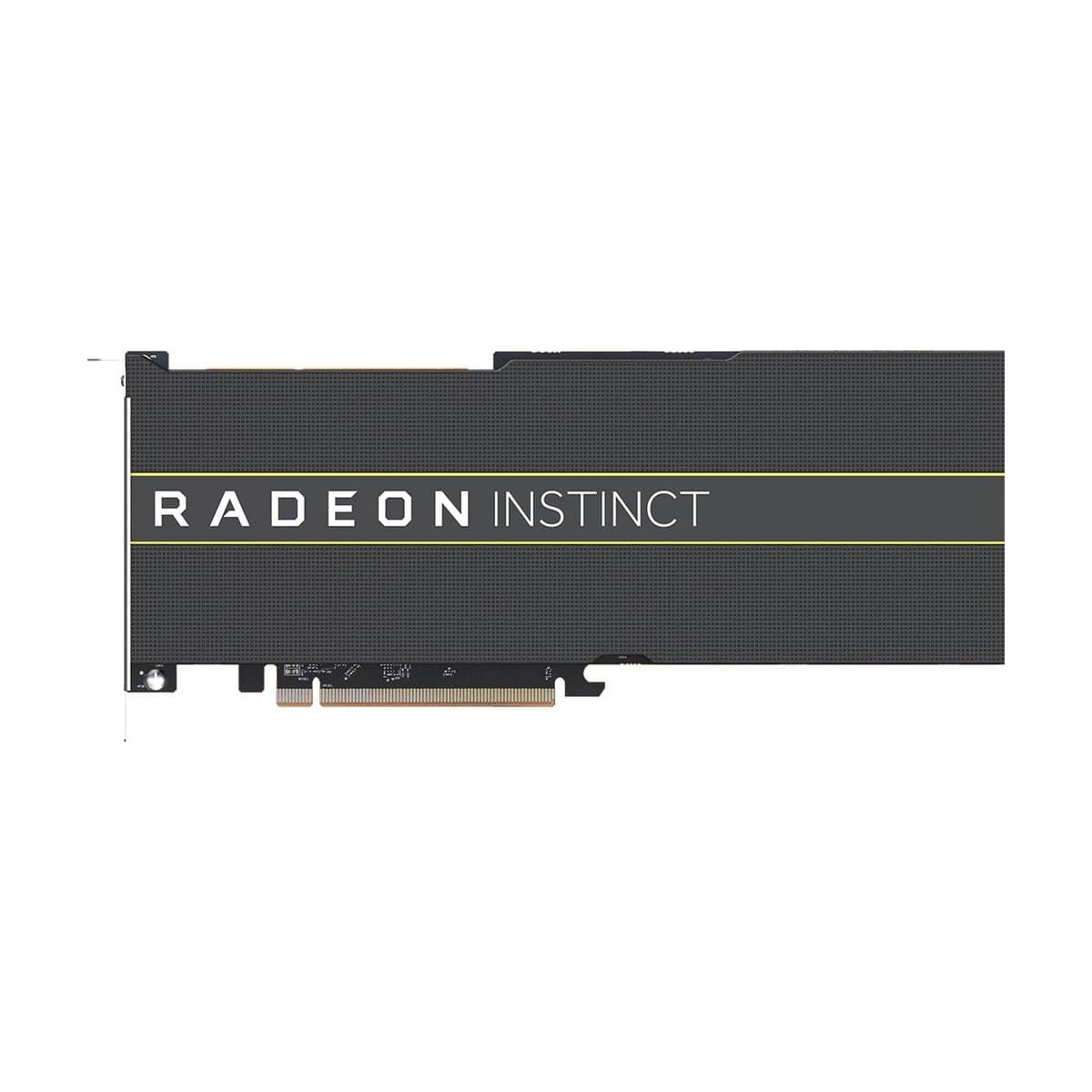
AMD MI50, MI60, MI100
- Architecture
- Vega / CDNA
- Software stack
- ROCm
- CC / from
- gfx906 / gfx908
What runs on the V100?
Well supported
- llama.cpp and Ollama: full support, runs fast
- PyTorch and TensorFlow: training and inference
- Hugging Face Transformers: most models
- vLLM: runs, but without some optimizations such as FlashAttention-2
- Stable Diffusion, SDXL, Flux: with FP16, slower than on new cards
Limited
- BFloat16: not in hardware (from Ampere). FP16 works.
- FlashAttention-2: needs CC 8.0 or higher. Version 1 partly works.
- FP8: only on Ada and Hopper (L40, H100)
Not supported
- Software that explicitly requires CC 8.0 or higher (rare, but it happens: check the documentation)
AMD cards with ROCm
MI50, MI60 and MI100 use ROCm instead of CUDA.
| Software | Status with ROCm |
|---|---|
| PyTorch | official ROCm builds |
| llama.cpp | ROCm or HIP backend |
| Ollama | runs, setup more involved |
Note
Drivers and the ROCm stack are less mature than CUDA. For production use we recommend NVIDIA.
Our recommendation
| Use case | Suitable card |
|---|---|
| LLM inference (Ollama, llama.cpp) | V100: excellent choice |
| Training, FP8, FlashAttention-2 | A100 or newer cards |
Our cards
Not sure whether a card fits your software? We are happy to advise you.